![InVidTech_fullcolor.png]](https://info.invidtech.com/hs-fs/hubfs/Logos/InVidTech_fullcolor.png?height=40&name=InVidTech_fullcolor.png)
Password Reset Procedure
-
Reboot the DVR/NVR so the start time is the current date.
-
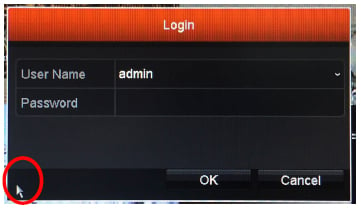
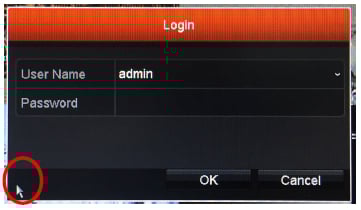
At the DVR/NVR bring up the login screen
*Click on the images below to view in full screen.*
-
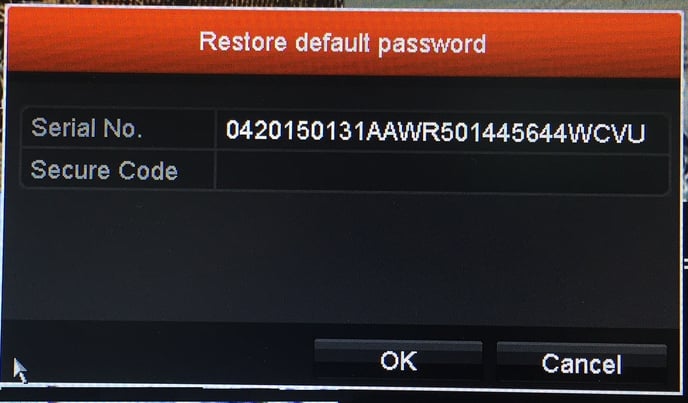
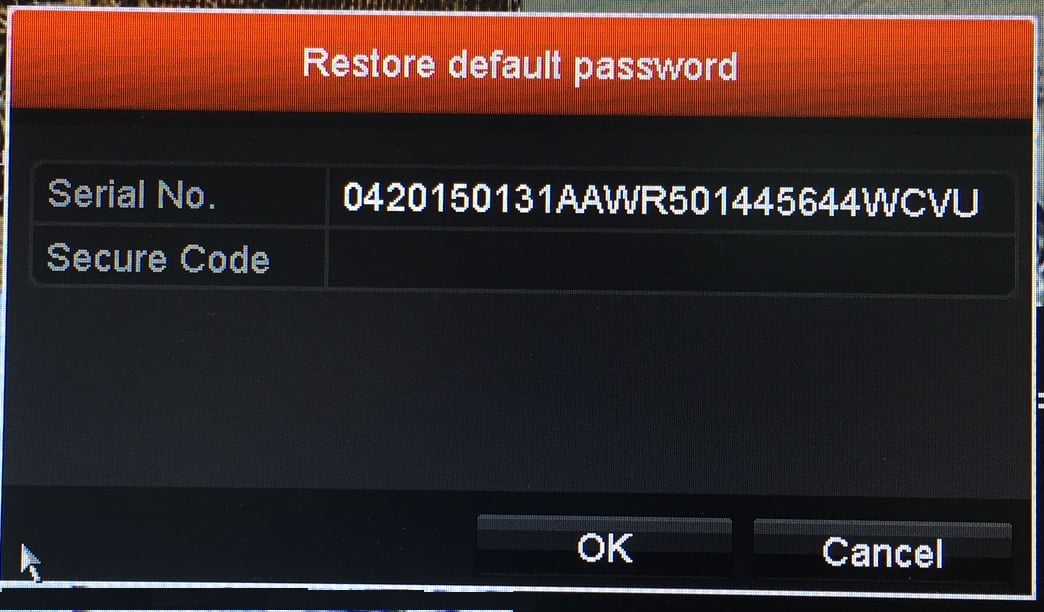
In the bottom left-hand corner, click the mouse a couple of times and you will trigger a contact sensitive area that pulls up the Serial Number of the device.
-
Please provide this number to a InVid Tech technical support agent
-
InVid Tech technical support will provide you with a recovery code to enter
-
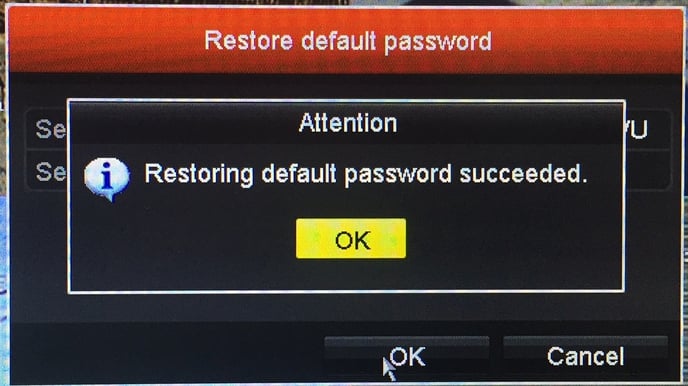
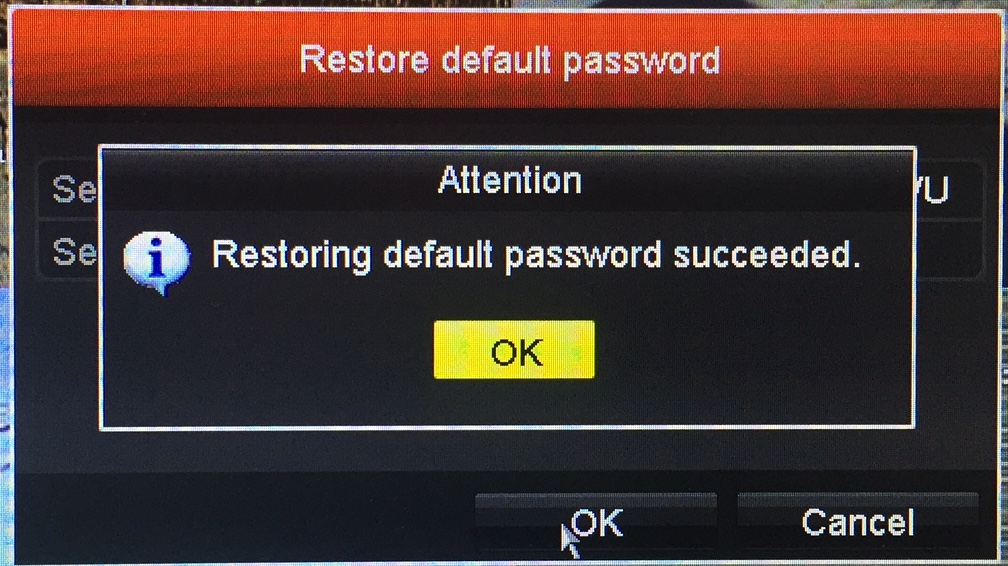
Enter the recovery code (case sensitive) into the login screen, at the device, and it will give them a success message.