
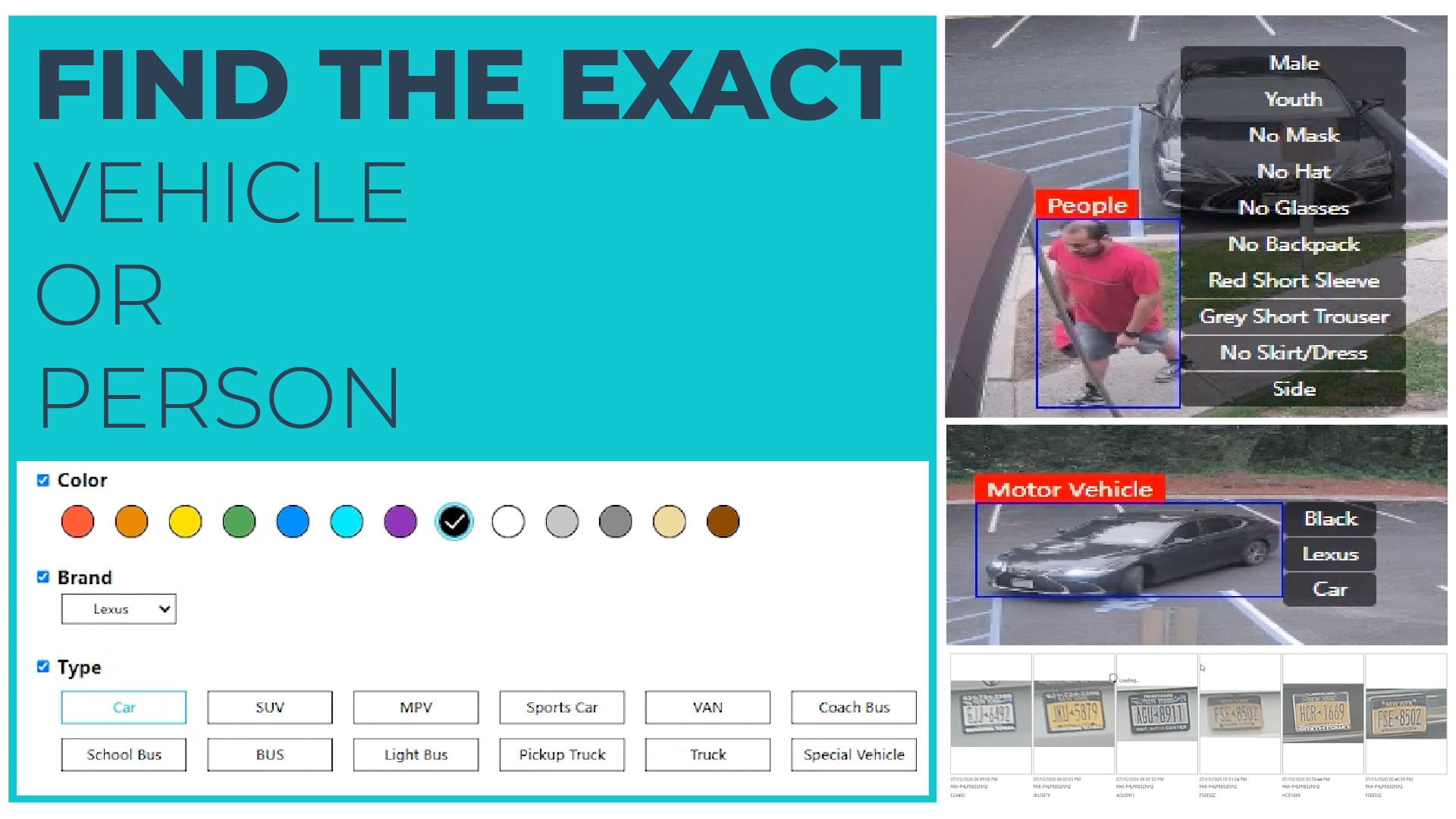
Black Lexus. Ford SUV. Guy in a red shirt with no hat.
Attribute Search on Paramont and Vision Series NVRs lets you filter AI results by what a vehicle or person actually looks like (color, brand, vehicle type, shirt color, sleeve length, hats, accessories) instead of scrolling through hundreds of snapshots to find the one you need.
Why it matters
Most footage requests start with a description, not a timestamp. A property manager remembers a dark sedan in the lot. A store owner remembers a man in a red shirt near the register. Without attribute filters, someone has to scroll through every person or vehicle the AI picked up during that window and check each one by eye.
Attribute Search turns that description into a filter. Pick the attributes you know, run the search, and the results narrow to the matches. Your customers get answers faster, and your techs spend less time on footage pulls.
Watch the walkthrough
This video walks through it in under four minutes:
Can't see the video? Watch it on YouTube.
What's covered
- Filtering vehicle searches by color, brand, and type
- Confirming the match on the attribute list, then jumping straight to playback
- Extending clips before and after, and exporting without leaving the search
- Vehicle attributes pulled automatically by license plate cameras
- People searches by gender, clothing, and accessories, stacked to isolate one subject
Recorded on a Paramont Series NVR. Also available on Vision Series NVRs.
From search to export in one place
Once you find the match, you don't have to leave the search to get the clip. Jump to playback, extend the clip before and after the event to capture the full sequence, and export it from the same screen.
Requirements
Attribute Search requires supported AI cameras, NVR firmware 1.4.10 or later, and Video Metadata enabled per channel in the AI menu. Full requirements are in the video description.
Questions? Let's talk.
Call 631-388-5700 with any questions, to request a quote, or to schedule a demo.
InVid Tech sells exclusively through authorized distribution. InVid Tech reserves the right to make changes to improve its products at any time without notice.